Add files
Point Mneme at notes, reports, code, or exports.
/files add ./docs
Local-first · Evidence-backed
Mneme indexes your local files, retrieves what matters, and returns answers you can trace back to the source.
How it works
Mneme keeps the workflow legible: start with the documents you already have, then follow the path from a question to the evidence behind the answer.
Point Mneme at notes, reports, code, or exports.
/files add ./docsLocal parsing and indexing turn documents into retrievable chunks.
index fingerprint: 8c3f…Search meaning, exact terms, and connected context in one question.
/mode graphOpen the cited file, page, or chunk before you trust the conclusion.
[S1] report.pdf · p.12Capabilities
The internals support a clear result: find the right passage, follow the relationships around it, and keep the boundary under your control.
Search that catches meaning and exact language.
Hybrid Retrieval
Sentence Transformers · ChromaDB · BM25 · RRF
Semantic retrieval helps with concepts; lexical retrieval keeps names, IDs, and precise phrases in view.
Explore Hybrid Retrieval →Cross-document questions with a visible path.
Graph RAG
Entities · relationships · index fingerprint
Relationship expansion helps connect meeting notes, decisions, and the source passages that explain a change.
Explore Graph RAG →A boundary you can state precisely.
Safety by design
Local cache · bounded inputs · configured endpoint
Local indexing stays local. When an LLM-backed feature is used, retrieved snippets go only to the endpoint you configure.
Read the safety boundaries →Evidence demo
Q · What changed between the two project reviews?
The project moved from prototype validation to a bounded pilot after the error budget and data boundary were clarified.
The answer combines the decision note with the follow-up safety review. Expand a source to see the kind of location Mneme keeps attached.
Data boundaries
Here is the exact split. The local workflow remains useful on its own; an LLM-backed feature adds one explicit, configurable handoff.
Mneme does not choose the endpoint for you. Read the Safety documentation →
File support
A developer start
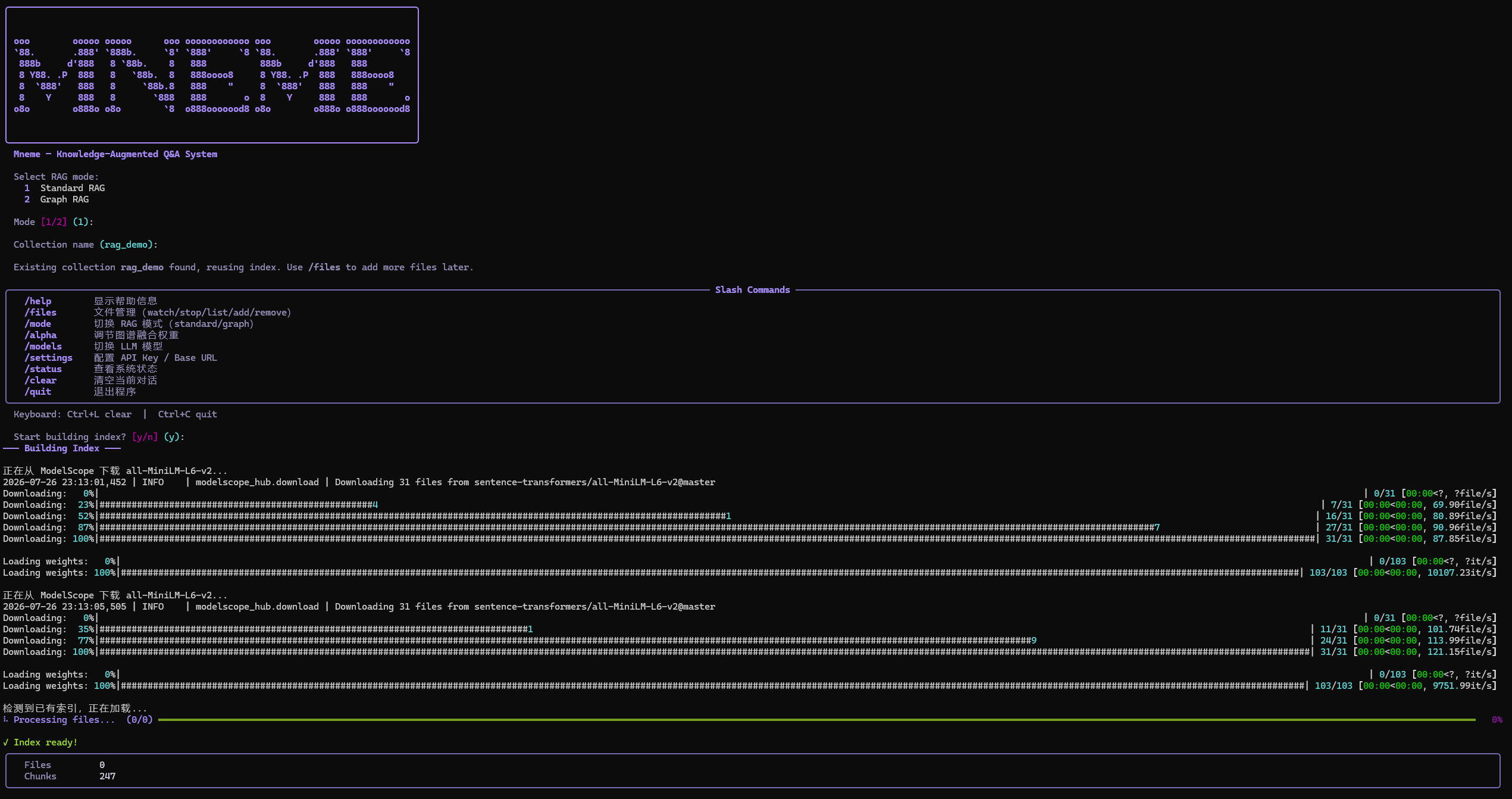
Install the Python package, configure an endpoint only when you need an LLM-backed feature, and launch the terminal UI.
# clone and install
git clone https://github.com/realhenrylan/mneme.git
cd mneme
python -m venv .venv
.venv\Scripts\Activate.ps1
python -m pip install -e ".[dev]"
python -m tui
# clone and install
git clone https://github.com/realhenrylan/mneme.git
cd mneme
python -m venv .venv
source .venv/bin/activate
python -m pip install -e ".[dev]"
python -m tui